How to Choose a Screen for an Event: A Practical Guide
Key takeaways
- ✦How to choose a screen for an event starts with viewing distance and crowd size, not with picking the biggest panel you can find.
- ✦A 65-inch 4K screen is readable from roughly 2 to 8 metres and covers almost every event setting — add screens rather than hunt for a bigger one.
- ✦3000 nits of brightness is the decisive spec near windows, glass or stage lighting, where ordinary TVs wash out.
- ✦The screens are portrait 9:16 and indoor-only, weigh about 55 kg with the stand, and are plug-and-play from USB, laptop or the cloud.
- ✦Pricing is per screen from 50€/day excl. VAT, dropping to 30€/day for 30+ days, with self-pickup at Rīgas Kinostudija and no delivery fee.
VACANT provides digital screen rental in Riga — 65-inch 4K screens for events, exhibitions and conferences from €30/day.
How to choose a screen for an event without overspending
Knowing how to choose a screen for an event is mostly about matching the display to your room, your audience and your content — not about buying the biggest, brightest panel you can find. Whether you are planning a conference, an exhibition stand, a corporate evening or a weekend pop-up in Riga, the right screen pulls attention and reads clearly, while the wrong one is either lost in a large hall or overkill for an intimate space. This guide walks through every decision that matters — size, brightness, resolution, orientation, quantity, indoor versus outdoor use, content and logistics — so you can specify the correct setup with confidence. VACANT rents 65-inch (165 cm) 4K professional screens in Riga from 50€ per day excl. VAT, and the same model works across almost every scenario below.
The one question to ask first
Before anything technical, ask how far your audience will stand from the screen and how many people need to see it at once. A reception desk, a wedding or a small seminar is read from a few metres by a handful of people at a time; a trade-fair aisle or a main stage is read from across a hall by a moving crowd. That single distance-and-crowd answer drives size, quantity and placement more than any spec sheet, so settle it before you compare models.
Size and viewing distance
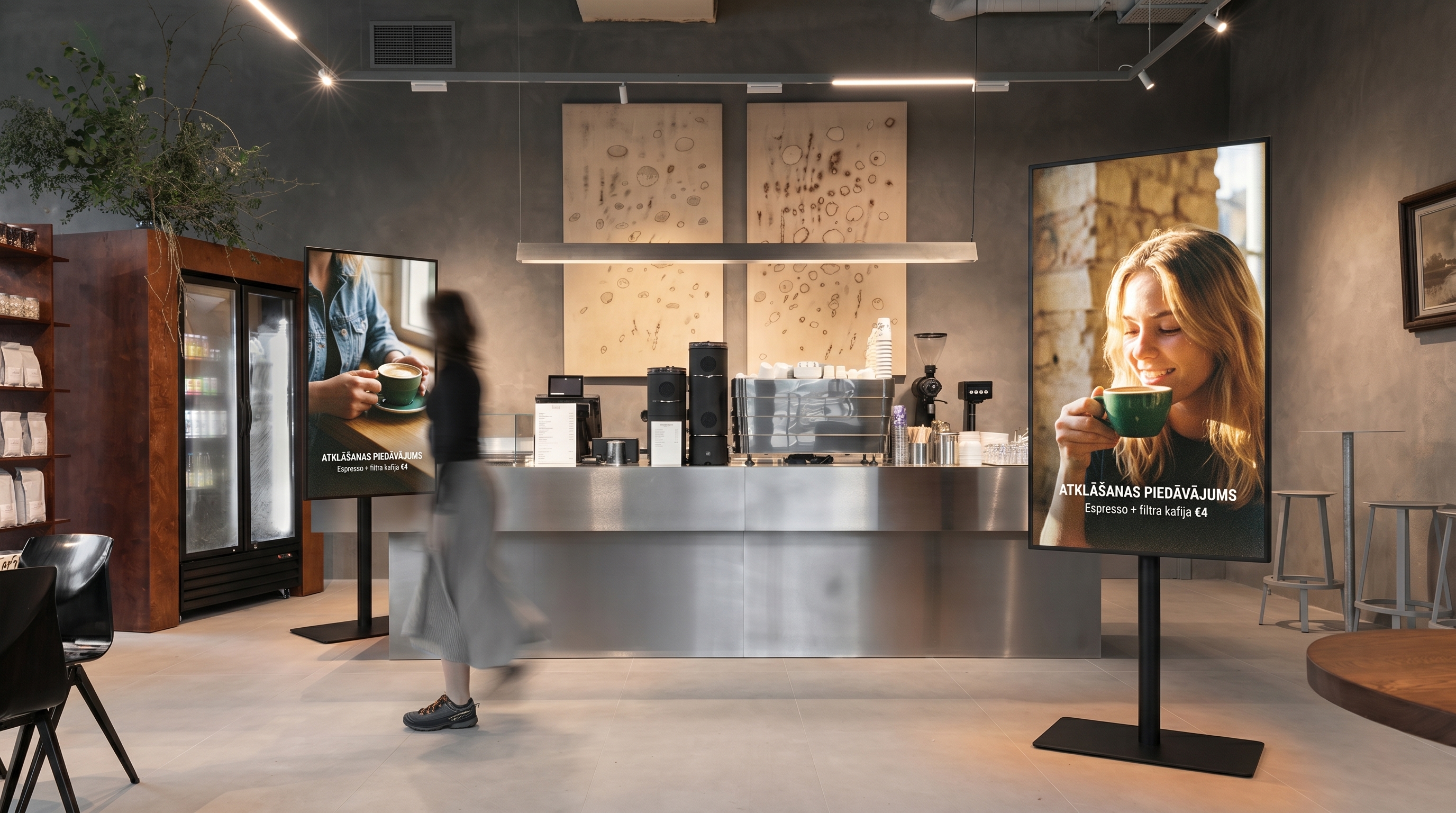
Screen size should follow viewing distance, not instinct. A 65-inch display is comfortably readable from roughly 2 to 8 metres, which covers the vast majority of event situations — entrances, stands, stages, windows and dinner tables alike. Go closer than about a metre and a half and a single large panel starts to feel overwhelming; go much beyond 8 metres and you are better served by adding a second screen nearer the audience than by hunting for one enormous display.
| Setting | Viewing distance | Suggested setup |
|---|---|---|
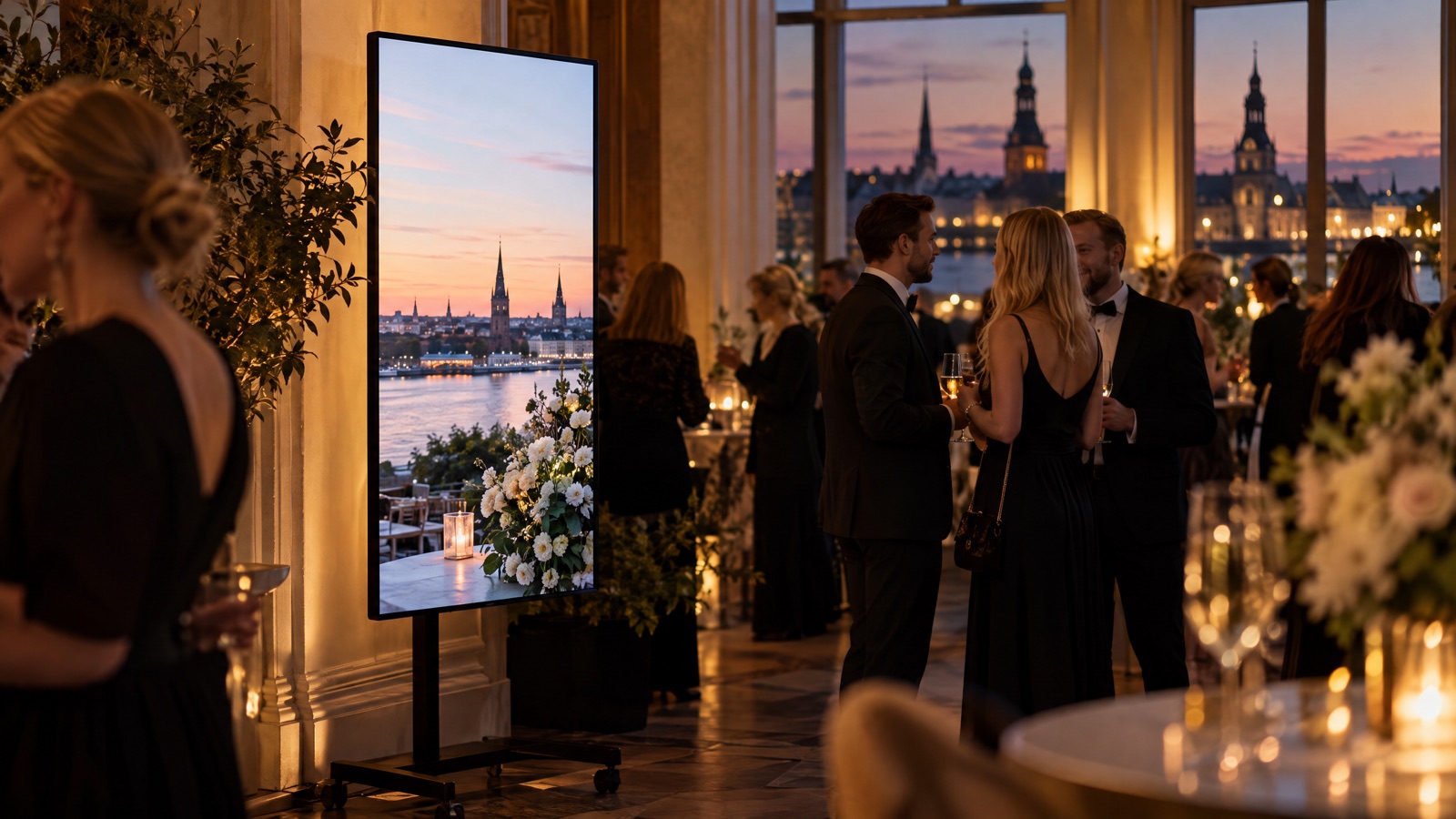
| Reception / wedding | 2–4 m | 1 screen |
| Seminar / meeting room | 3–6 m | 1–2 screens |
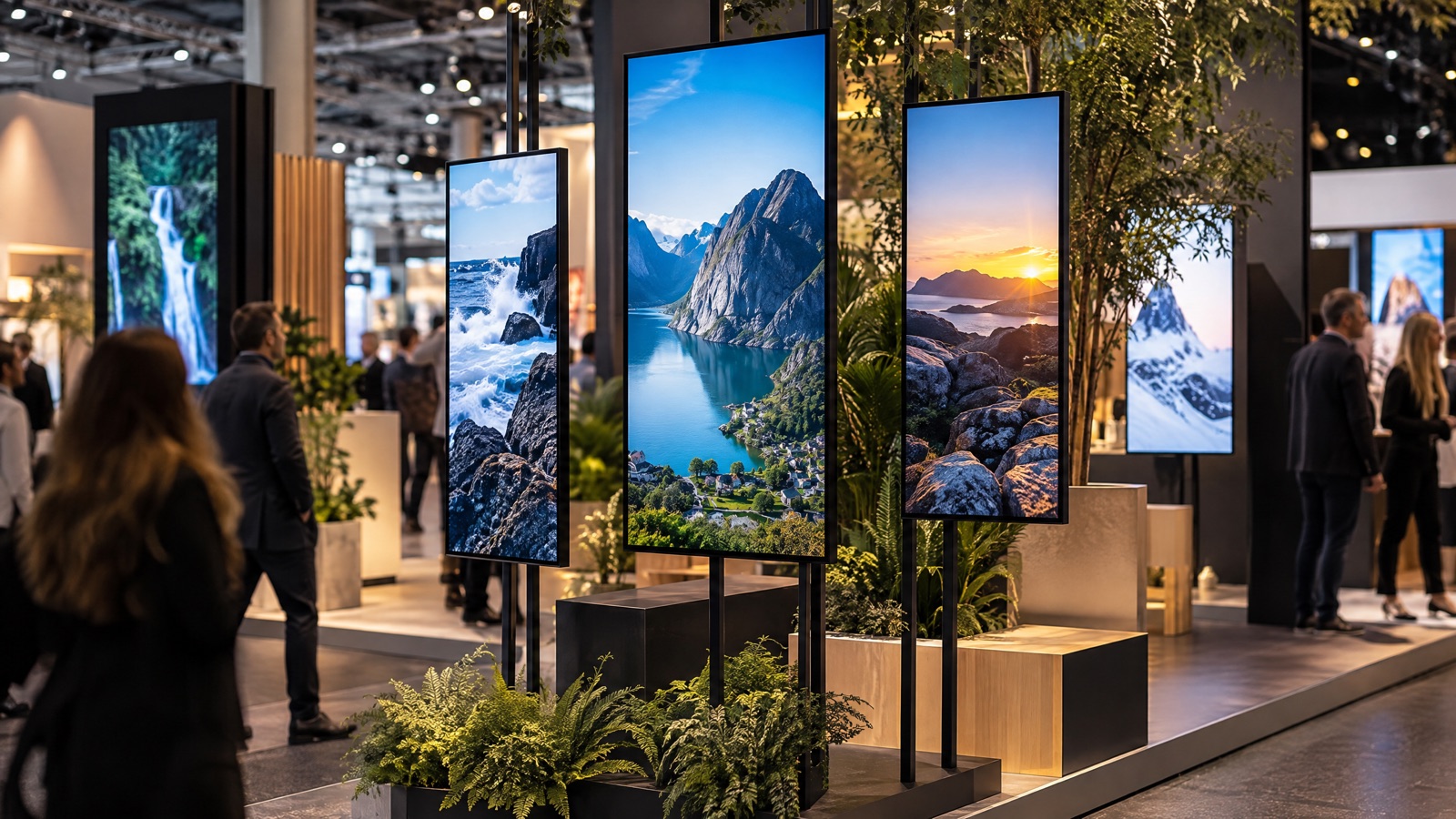
| Exhibition stand | 2–8 m | 2–4 screens |
| Main stage / large hall | 6 m+ | Several screens or a wall |
| Shop window | 1–5 m | 1–2 screens, portrait |
Because every VACANT screen is the same 65-inch VCNT SL1 model, you scale by adding units rather than swapping sizes — two screens at opposite ends of a stand beat one panel nobody can read from the far aisle. It also keeps your content consistent, since every display shows the same resolution and colour.
The best screen size is the one your furthest viewer can still read comfortably — reach for more screens before a bigger one.
Brightness, resolution and orientation
Three specs decide whether your content actually lands: how bright the screen is, how sharp it is, and which way round it sits. Get these right for your specific room and the rest of the setup falls into place.
Brightness for the room you are in
Brightness, measured in nits, is the spec people most often get wrong. A living-room TV runs around 300–500 nits and washes out the moment it faces a window or stage lighting. VACANT screens run at 3000 nits — the brightest rental screens in the Baltics — so they stay crisp in direct sunlight and bright shop windows where an ordinary TV would simply disappear. If your screen faces glass, sits near large windows or competes with stage lights, brightness is the single most important number on this page.
Resolution and how close people get
Resolution matters most when people stand close. At 4K UHD (3840×2160), a 65-inch screen stays sharp even when a visitor is reading fine print from a metre away — which is exactly why a crisp professional LCD beats a coarse LED video wall for stands and shop windows. For content seen only from a distance the difference is smaller, but since the price is the same either way, there is no reason to settle for less.
Portrait or landscape
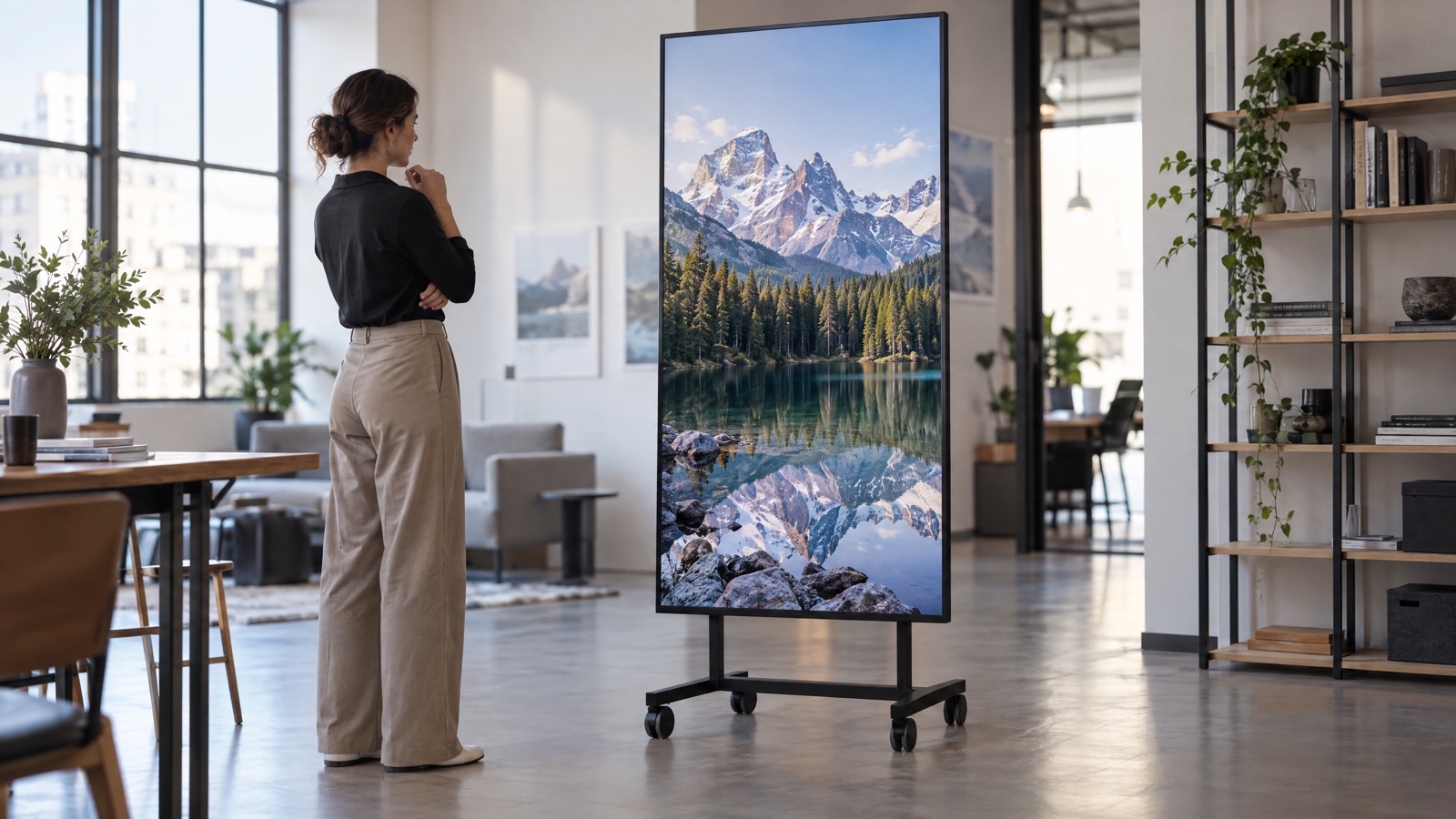
VACANT screens are mounted in 9:16 portrait, which suits more event situations than people expect. Portrait takes up less floor width on a crowded stand, stays visible above people's heads, and matches the vertical video most brands already shoot for social media. Landscape still wins for widescreen slide decks and film, so match the orientation to your dominant content — and if you are unsure, portrait is the safer default for signage, stands and windows.
How many screens do you need
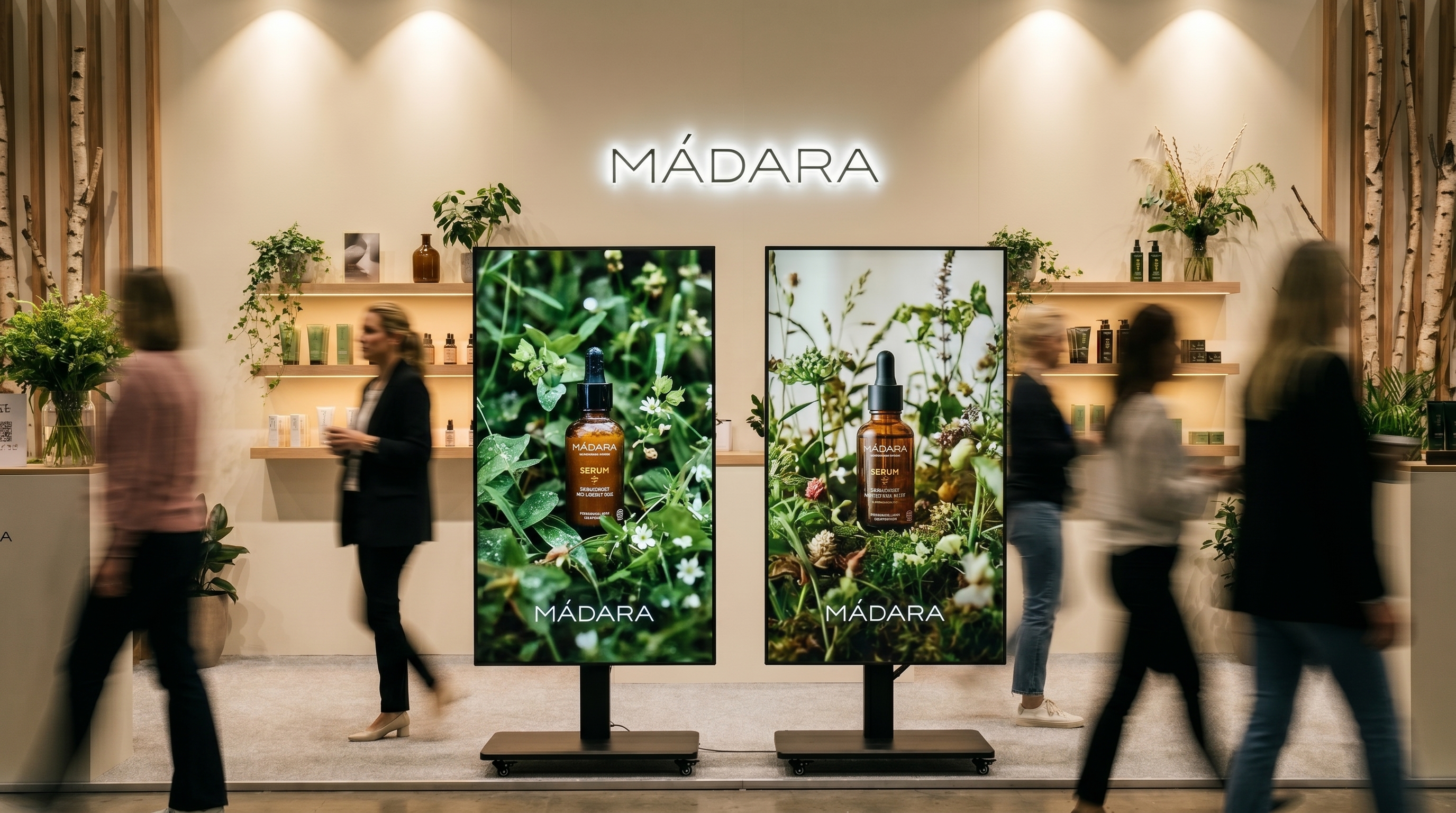
Quantity is where knowing how to choose a screen for an event pays off most. One screen is plenty for a wedding, a reception or a small seminar. Two to four give a trade-fair stand or a main stage real presence and let you show different content in different spots — an agenda at the door, a product loop at the back, a sponsor reel on the stage. For a genuine "wow" backdrop or branded wall, up to 10 identical screens combine into one seamless image, precisely because every unit shares the same resolution, brightness and bezel. When in doubt, two well-placed screens almost always beat one, and the redundancy means the show continues even if a single source fails.
Indoor or outdoor, and the logistics
The screens are not waterproof, so they are built for indoor or covered locations rather than open-air rain. A covered terrace, a marquee or a tent is fine; an exposed courtyard in unpredictable weather is not. Factor this in early, because it quietly rules certain venues in or out before you have chosen anything else.
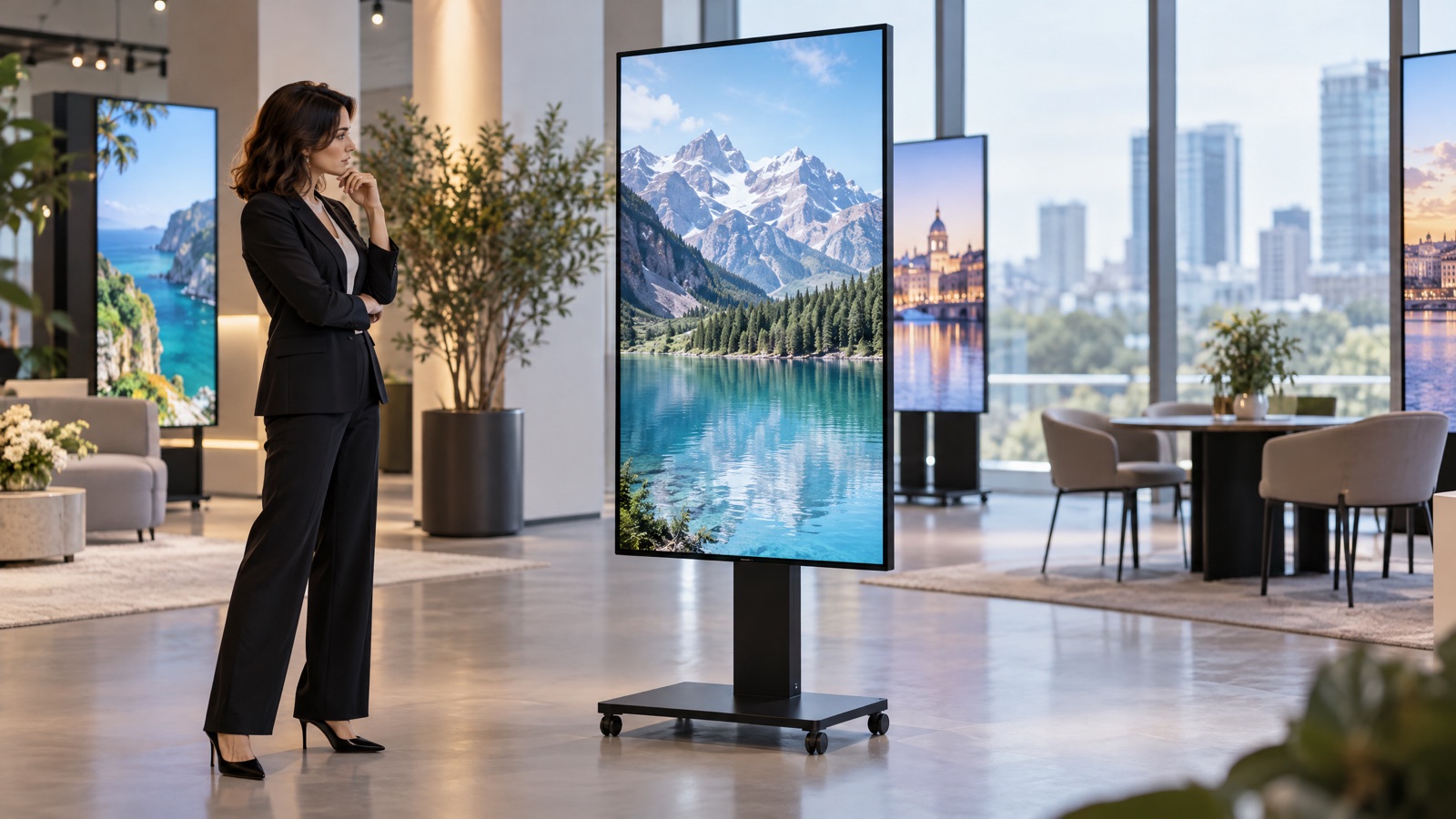
Logistics is the step people forget. Each screen weighs about 55 kg with its stand, so for self-pickup plan a van or estate car rather than a hatchback. You can collect the screens yourself at Rīgas Kinostudija with no delivery fee, or arrange paid delivery if moving them is awkward. Setup takes minutes — roll the stand into position, connect power and your source, and you are live — and the wheeled stand, HDMI and power cables are all included, so there is nothing extra to source.
Content: what to actually play
The best hardware still needs the right content. Because the screens are portrait 9:16 and run Android 11 with a cloud CMS, you can play images and video from a USB stick, mirror a laptop over HDMI, or push content remotely during a multi-day event. A few rules travel well across almost any event:
- Large, legible text — short phrases, not sentences; people read a passing screen in seconds.
- Motion in the first moments — an animated intro catches the eye far faster than a still, especially in a busy hall.
- High-contrast colour — 3000 nits lets you use bright tones confidently even in a well-lit room or a daylit window.
- A looping video — so the agenda, prices or offers repeat all day with no one touching the screen.
- One consistent style across a wall — if you build a multi-screen wall, match colour, rhythm and timing so it reads as a single piece.
If you are weighing all of this up and want a partner who supplies both the hardware and the advice for how to choose a screen for an event, VACANT helps you spec the right setup before you book, not after.
Pricing, so choice meets budget
Choice always comes back to budget, and pricing is per screen, shown excl. VAT, falling the longer you keep it:
| Rental period | Price per screen / day |
|---|---|
| 1–6 days | from 50€ |
| 7–29 days | 40€ |
| 30+ days | 30€ |
You can add insurance for +20€/day, which caps your liability at 200€ should anything happen to a unit. Because the rate drops with duration, a multi-week pop-up costs far less per day than a weekend event — so the "how many screens and how long" question is as much a financial decision as a technical one. Self-pickup at Rīgas Kinostudija carries no delivery fee, which keeps the total predictable.
Conclusion
Knowing how to choose a screen for an event comes down to a short chain of decisions: size by viewing distance, brightness for the light in the room, 4K resolution for close-up sharpness, orientation to match your content, quantity by crowd and placement, indoor-only siting, and content built for a glance. Get those right and a single 65-inch 4K screen — or a seamless wall of up to 10 — does far more for your audience than any printed banner ever could.
Ready to spec your setup? Start how to choose a screen for an event with us today — message us on WhatsApp at +44 7397 311 066 or email hello@vacantads.com with your venue, dates and audience, and we will recommend the right screens and put together a quote.
Frequently asked questions
How do I choose the right size screen for an event?+
Match size to viewing distance. A 65-inch screen is comfortably readable from roughly 2 to 8 metres, which covers receptions, stands, stages and windows. Beyond about 8 metres, add a second screen nearer the audience rather than searching for one larger panel.
How bright does an event screen need to be?+
It depends on the light. Ordinary TVs run 300–500 nits and wash out near windows or stage lighting. VACANT screens run at 3000 nits — the brightest rental screens in the Baltics — so they stay readable in direct sunlight and bright shop windows.
How many screens do I need for my event?+
One screen suits a wedding, reception or small seminar. Two to four give a trade-fair stand or main stage presence and let you show different content in different spots. Up to 10 identical screens combine into one seamless video or exhibition wall.
Can the screens be used outdoors?+
The screens are not waterproof, so they are built for indoor or covered locations — a marquee or covered terrace is fine, an exposed courtyard in the rain is not. Plan this early, as it rules certain venues in or out.
What content works best on an event screen?+
The screens are portrait 9:16 and run Android 11 with a cloud CMS. Use large legible text, motion in the first seconds, high-contrast colour and a looping video. You can play from USB, mirror a laptop over HDMI, or push content remotely.
How much does it cost and how do I get the screens?+
Pricing is per screen from 50€/day (1–6 days), 40€/day (7–29 days) and 30€/day (30+ days), all excl. VAT, plus optional insurance at +20€/day. Collect them yourself at Rīgas Kinostudija with no delivery fee, or arrange paid delivery.
Need screens for your event?
65-inch 4K screens from €30/day. Transparent pricing, everything included, easy pickup in Riga.
See pricing & book →Marketing expert and founder of VACANT. Specialises in digital marketing and advertising, helping brands stand out with digital-screen campaigns.